Sign in

Make your Tip Toeing in My Jordans Video

Upload one photo and star in the tip-toe dance meme. Get a ready-to-post MP4 and GIF in minutes.

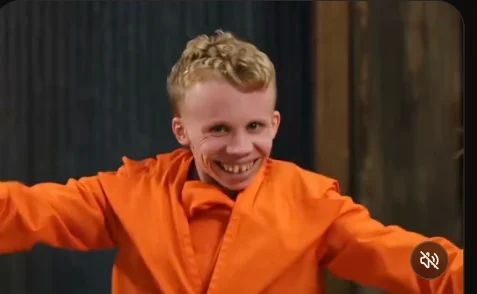
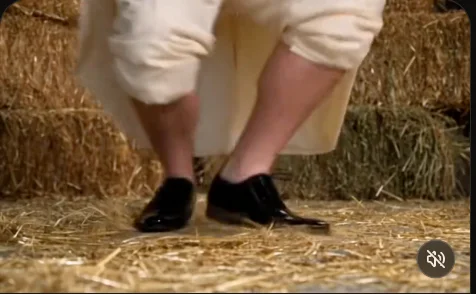
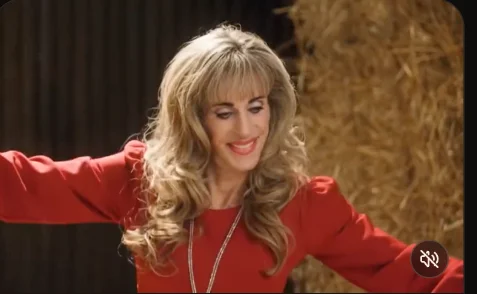
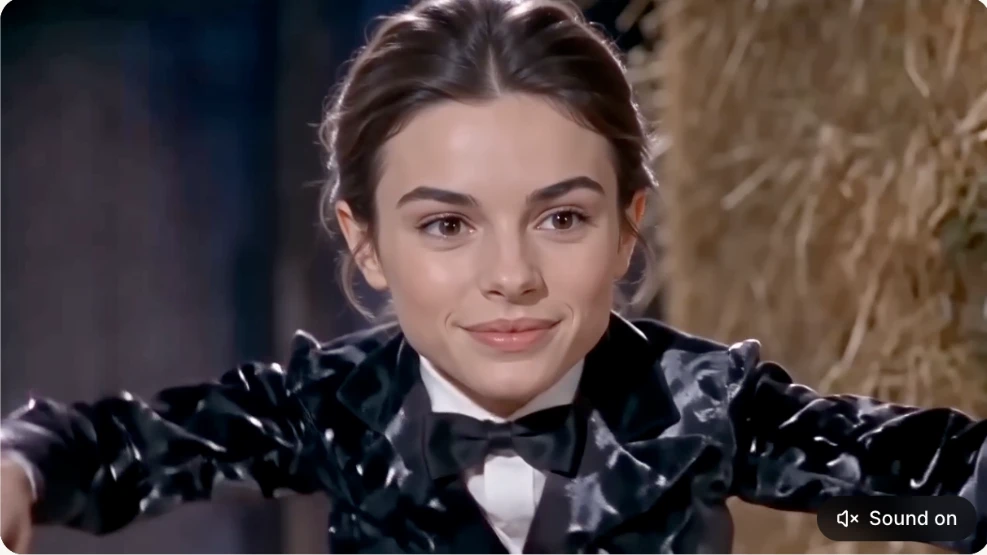
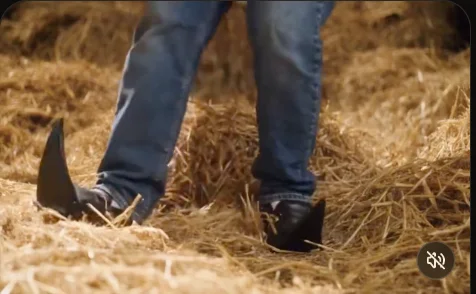
Original reference videoAutoplay · sound off

Original reference clip · Preview the movement before uploading your photos.

Can I make the Tip Toeing video with my own photo?

Yes. Add one image as the clown or the woman, or upload both to replace both characters. Unfilled roles are preserved in the planned replacement request. Preview the scene, then choose the output quality.

Tiptoe AI guide · Demo content
Make your tip-toe video

Upload one or two photos, then choose the output shape and quality.

▧
1
Add one or two photos

One clear person per photo · JPG, PNG, WebP · max 5 MB.

2 · Aspect ratio

3 · Resolution

Six ways creators made it their own.

See how friends, couples and families reinterpret the viral tiptoe scene — then create your own version above.

These preview stills are cropped from the reference screenshot you provided, for layout review only. Original videos remain on their creators' platforms. Commercial republication requires permission.

See it in action.

A single photo meets a memorable scene. See how the input and finished-style shot work together.

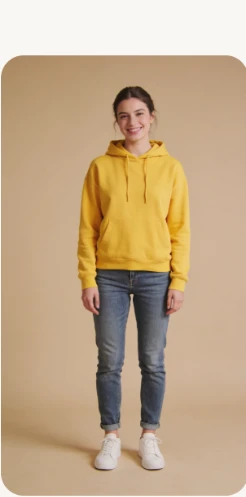
Example reference portrait: person wearing a yellow hoodie
01 / INPUTYour photo
Example output-style video frame showing a woman in a black tuxedo with arms extended● Preview still
02 / OUTPUTAI video look

Visual comparison is taken from your provided reference screenshot for layout demonstration. It is not a video produced by this demo. Real generation is pending provider integration.

How to make an AI video.

A simple process from your image to a shareable creation.

01 · UPLOAD

Choose your photo

Upload a clear portrait. Choose which character to replace, or use both supported character slots.

02 · CUSTOMIZE

Pick your format

Select the available video quality and compatible settings. Your photo remains ready when you adjust the format.

03 · SAVE

Download and share

After the generation service is connected, save your result to this browser and download an MP4 to keep.

Choose your video quality.

Try the trend first, unlock the full scene, or create the complete HD version. Credits from multiple packs add together.

01 / TRY IT FIRST

Standard Preview

A shorter version to see yourself in the scene.

$9.99
50 credits · One-time purchase
15 seconds480P · Standard quality
  • Experience the meme at a lower price
  • Use your remaining credits toward upgrades
  • Not the full original-length clip
BEST FOR HD03 / COMPLETE HD

Full-Length HD

The complete moment, at a sharper resolution.

$49.99
250 credits · One-time purchase
Full ~18-second scene720P · High definition
  • 200 credits for one full-length HD video
  • 50 credits remain for future use
  • Best for viewers who want HD upfront

How credits work: 15s at 480P = 50 credits · Full length at 480P = 100 credits · Full length at 720P = 200 credits. Credits from multiple purchases accumulate. 1080P pricing is not yet available.

Prices, lengths and credit requirements are a proposed configuration pending real model cost verification. No checkout or generation is active in this demo. “Full length” refers to the complete source scene (approximately 18 seconds).

Good to know.

Does this demo generate a video?

No. Real provider calls are deliberately disabled until you connect and test the selected provider.

Where will my videos be stored?

In your current browser using IndexedDB. Download important videos because clearing site data may delete them.

Which generation modes are planned?

Text-to-video, image-to-video, first/last frame, reference images, video-to-video and image workflow support.

Will my payment information be stored locally?

No. Payments and credits must be stored securely on the server; the checkout integration is deferred.

↗

Sign in to continue

Sign in to create your video and keep track of your projects.

or use email

New here? Create an account with email.

AI video effects.

One unified creative engine. Each effect can bind compatible providers and modes.

01 / AVAILABLE AS TEMPLATE

Tip Toeing In My Jordans

Explore the playful motion concept and configure inputs before connecting a model.

02 / ROADMAP

First & last frame

Compose a starting and ending shot. Requires a compatible approved model.

03 / ROADMAP

Reference visual motion

Reference assets are not interchangeable with first-and-last frames.

Tip Toeing in My Jordans Guide

Learn how to make your video, understand the meme and improve your photo results.

How image-to-video works

Understand source images, motion prompts and why model capabilities need validation before publishing.

First/last frames vs reference images

Learn what each image is for, and why two inputs can describe completely different operations.

Make more. Create freely.

Choose credits for a short preview, a full-length video, or a full HD render. Credits from separate purchases add together. Checkout is not connected in this demo.

Your video library.

Your video files remain in IndexedDB on this browser and won't sync to other devices.

Browser storage

Checking available space…

Import is for testing local storage and playback. It does not generate a video.

Saved locally

Model control.

LOCAL DEMO ONLY · Settings are saved in your browser, not to the production admin database. Admin authentication, API credentials, and real activation remain server-side responsibilities.

Provider configuration

No production enable toggle: credential verification, live provider tests, pricing and policy gates must run server-side.

Saved draft models